My Latest Obsession: Turning an Old PC into a Powerhouse Home NAS!

You know that old computer sitting in the corner, gathering dust, just waiting for its moment to shine? Well, I finally gave one of mine that chance, and I'm absolutely thrilled with the results! I successfully transformed an aging PC into a fully functional Network Attached Storage (NAS) server for my home. And let me tell you, the journey was just as rewarding as the destination.
The Underdog Specs: Proving Old Tech Still Has Game
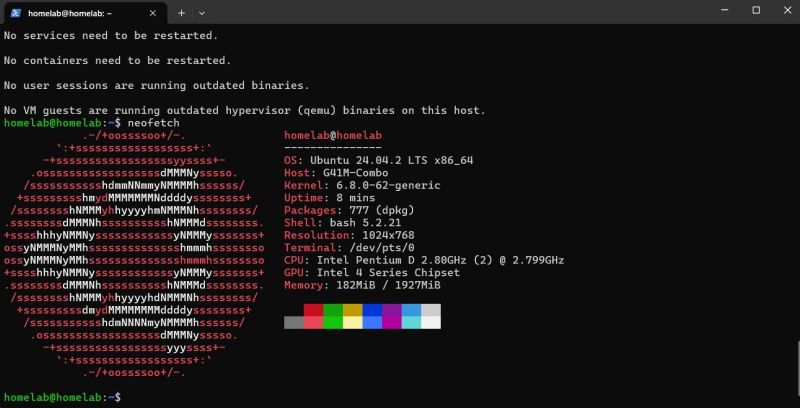
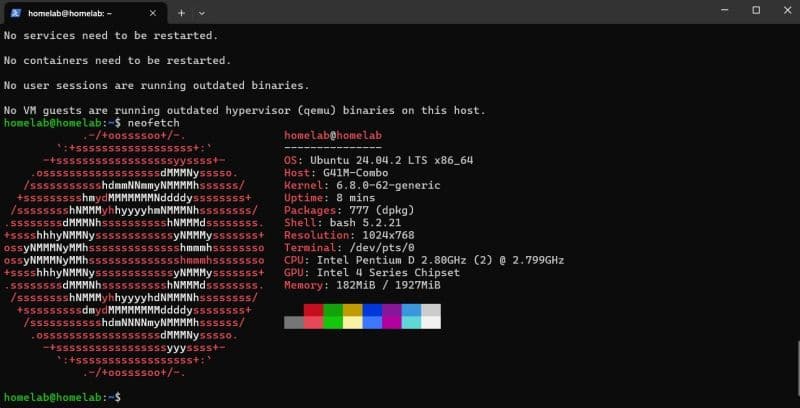
When I tell people what I built this NAS on, they're often surprised. We're talking a humble Pentium D processor, a modest 2GB of RAM, and a 500GB hard drive. Seriously, that's it! It really goes to show that you don't always need the latest, most expensive hardware to create incredibly useful and powerful solutions for your everyday needs. This project was my personal proof that "old school" can still be "cool school" when it comes to IT.
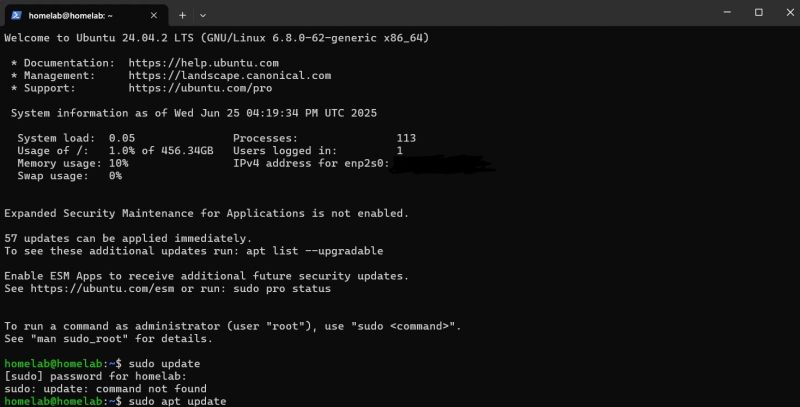
For the brains of this operation, I opted for Ubuntu 24.04.2 LTS. It's a fantastic choice for a server environment – stable, robust, and free. Getting it set up was a great refresher in Linux administration, and yes, I even had a moment where I typed sudo update instead of sudo apt update before quickly correcting myself! (Hey, we all have those moments, right?)
What My New NAS Can Do For Me (And Why You Might Want One Too!)
So, what's this revamped machine actually doing for me? Plenty!
-
My Centralized File Hub: Imagine having one dedicated spot for all your family photos, important documents, movies, music, and backups. It's truly liberating to know everything is organized and accessible from a single point on my network.
-
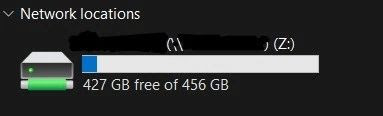
Effortless Sharing Across Devices: Gone are the days of fiddling with USB drives or emailing files to myself. Now, whether I'm on my Windows desktop, my MacBook, or even another Linux machine, I can seamlessly share and access files across my entire home network. Seeing that familiar "Z:" drive pop up under network locations just feels right.
-
Remote Control at My Fingertips: One of the coolest parts is being able to manage my files and even the server itself from my laptop, no matter where I am in the house. It adds a whole new level of convenience to my digital life.
My Learning Journey: Why You Should Try a Homelab Project!
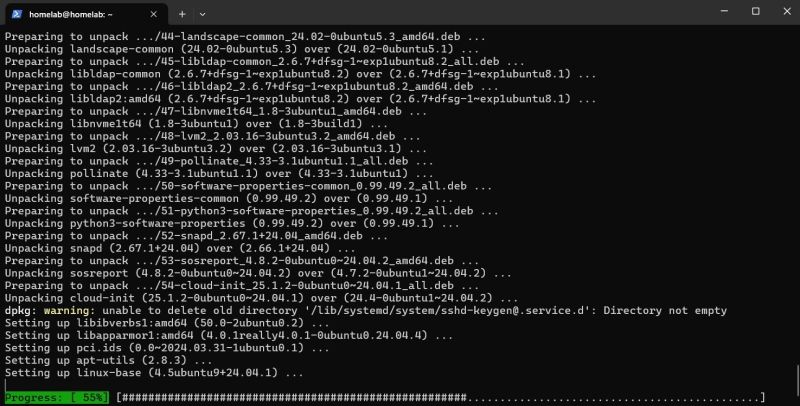
This wasn't just about getting a NAS; it was a fantastic deep dive back into Linux administration and networking. There's something incredibly satisfying about configuring an operating system from the ground up, troubleshooting issues, and seeing it all come together. From reviewing system stats with neofetch to ensuring all my packages are up-to-date, every step was a hands-on learning experience.
If you've been thinking about expanding your tech skills, I honestly can't recommend a homelab project enough. Whether it's building a NAS like mine, setting up a media server, or experimenting with virtualization, these personal IT adventures are the best way to get practical experience. They challenge you, teach you, and ultimately, empower you to build powerful solutions with your own two hands.
I'm super stoked about my new home NAS, and it's already making my digital life so much smoother. If you've got an old PC gathering dust, consider giving it a new purpose – you might just surprise yourself with what you can create!
Screenshots