Practicing Modern Android: A Simple Kotlin Compose Calculator

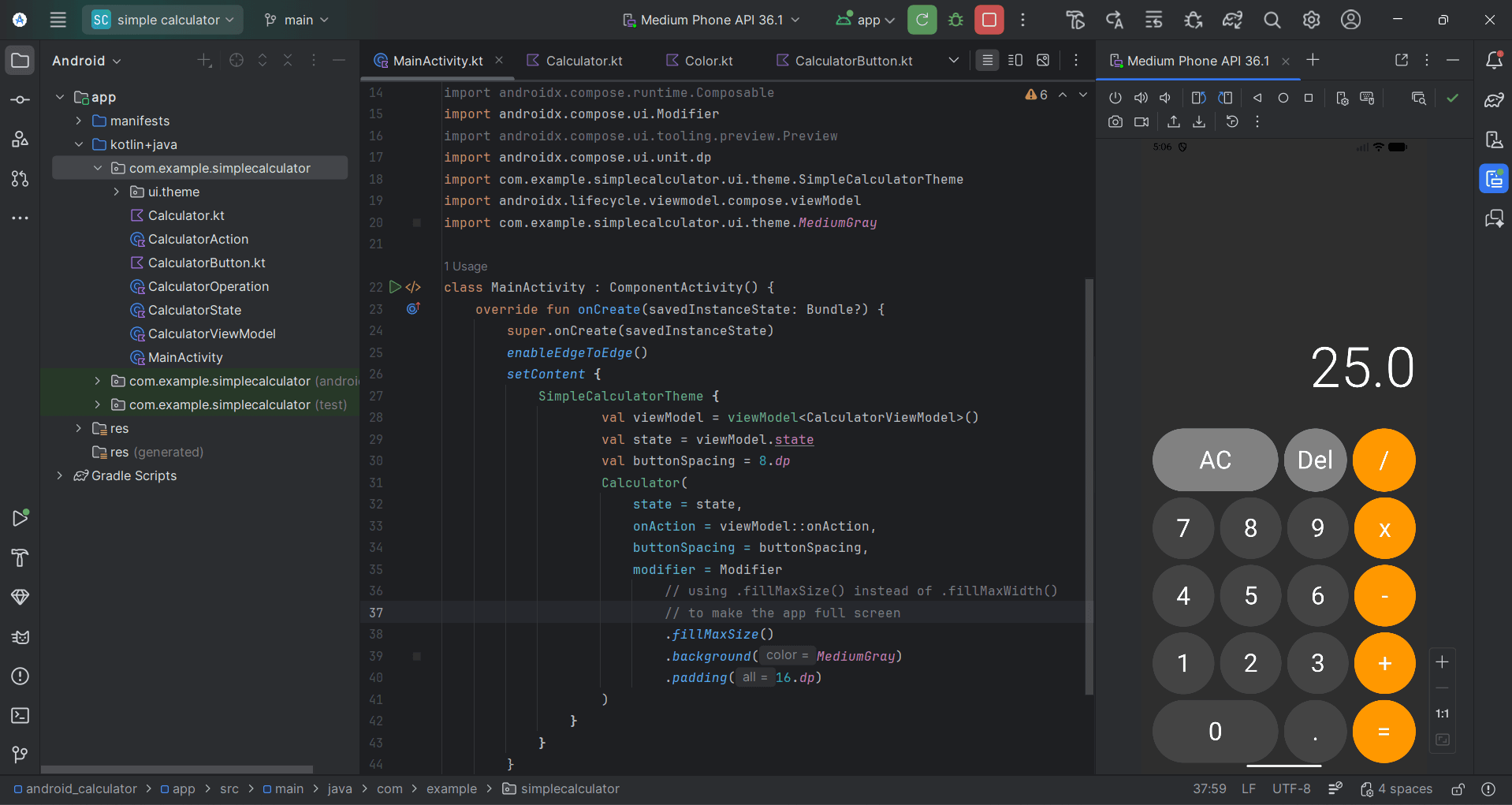
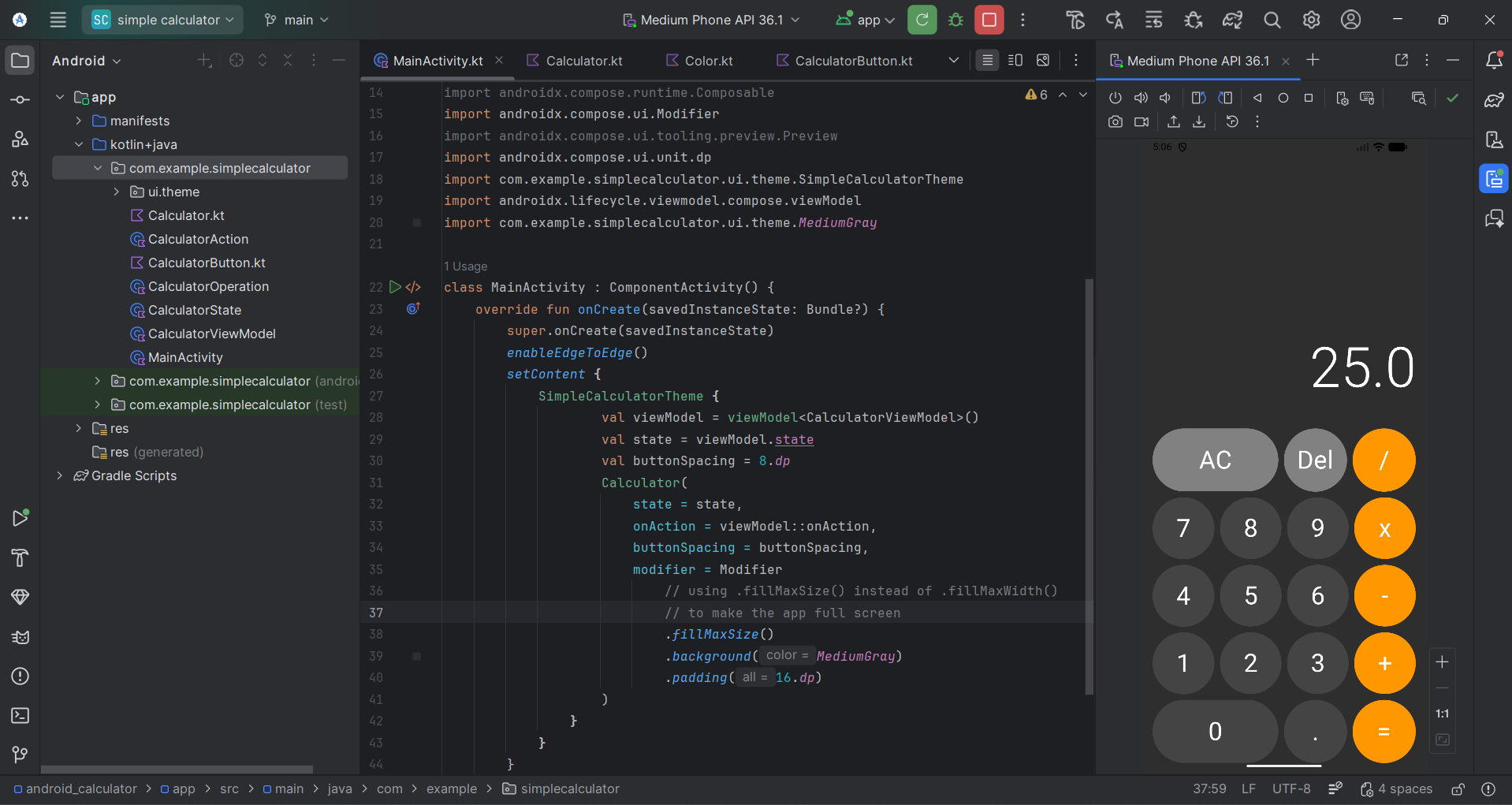
I recently spent some time strengthening my Android development fundamentals by building a functional calculator app. While the concept is straightforward, this project served as a practical exercise in implementing modern UI tools and architectural patterns.
The Goal: Stability and Clean Design
In this project, my focus was less on the complexity of the math and more on the quality of the implementation. I wanted to see how the Model-View-Intent (MVI) pattern could make even a simple utility feel more predictable and robust.
Key Technical Aspects
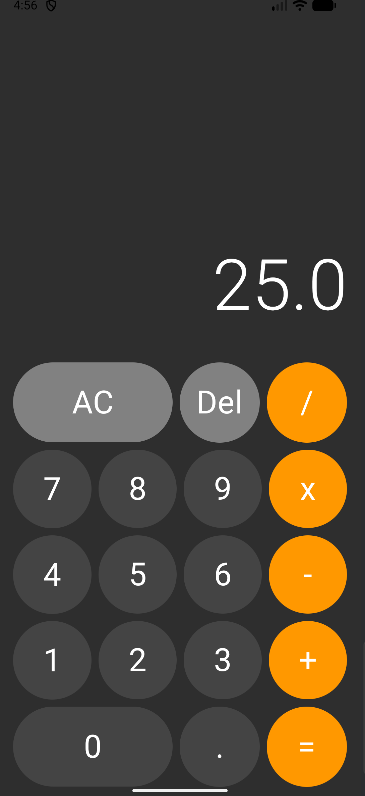
- Jetpack Compose & Material 3: I used Composable functions to build a dark-themed UI that is both modern and lightweight.
- MVI Architecture: Implementing MVI helped me maintain a clear separation of concerns, ensuring that the UI state and business logic remain decoupled.
- Responsive Layouts: I focused on making the keypad truly responsive, utilizing weights and window insets to ensure a seamless experience across various screen sizes.
- Precision Logic: Handled arithmetic operations through a structured state management system to ensure accuracy.
Learning Credits
Building this was a great way to bridge the gap between theory and practice. I owe a sincere thank you to Philipp Lackner; his educational content provided the roadmap for this project and helped me better understand the nuances of Jetpack Compose.
Project Details
- Language: Kotlin
- Framework: Jetpack Compose
- Architecture: MVI
- Source Code: GitHub Repository
Building this was a rewarding step in my growth as a developer. It reinforced the importance of clean architecture, even in the smallest of applications.
Some Screenshot: